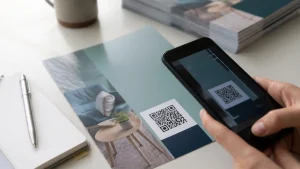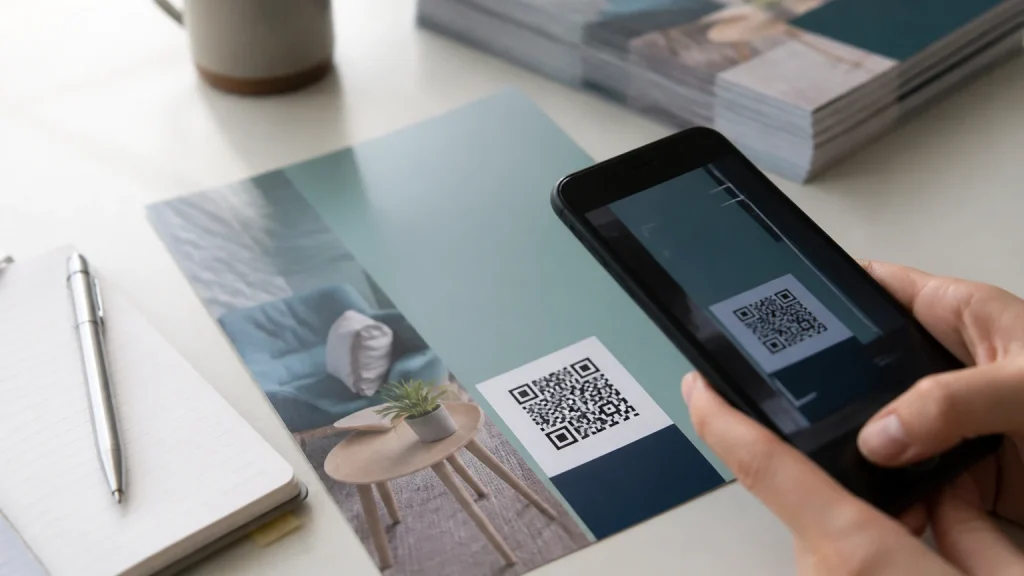
Flyer printing can support QR-led campaign tracking when each printed version uses a clear code linked to a relevant digital destination. The code is only the bridge. Useful measurement comes from deciding what action matters, assigning links carefully and reviewing the resulting information in context. Done well, a flyer can prompt an immediate response without losing the straightforward message that makes print useful in the first place.
⏱️ Estimated reading time: 6 minutes
Table of Contents
Start flyer printing with one measurable action
Choose the action before briefing the artwork. It might be booking an appointment, claiming a campaign-specific offer, viewing a menu, registering for an event or requesting a quote.
Keep the landing page aligned with the flyer’s promise. If the printed headline promotes a seasonal service, the page should repeat that service, explain the details and make the next action easy to find.
Decide what counts as a meaningful response. A scan is an early indication of interest, while a completed form, booking, call or purchase may sit closer to the campaign objective. Both can be worth reviewing, but they answer different questions. Establish this distinction before the flyers are distributed, not after a report has arrived.
Use separate QR codes for each flyer printing route
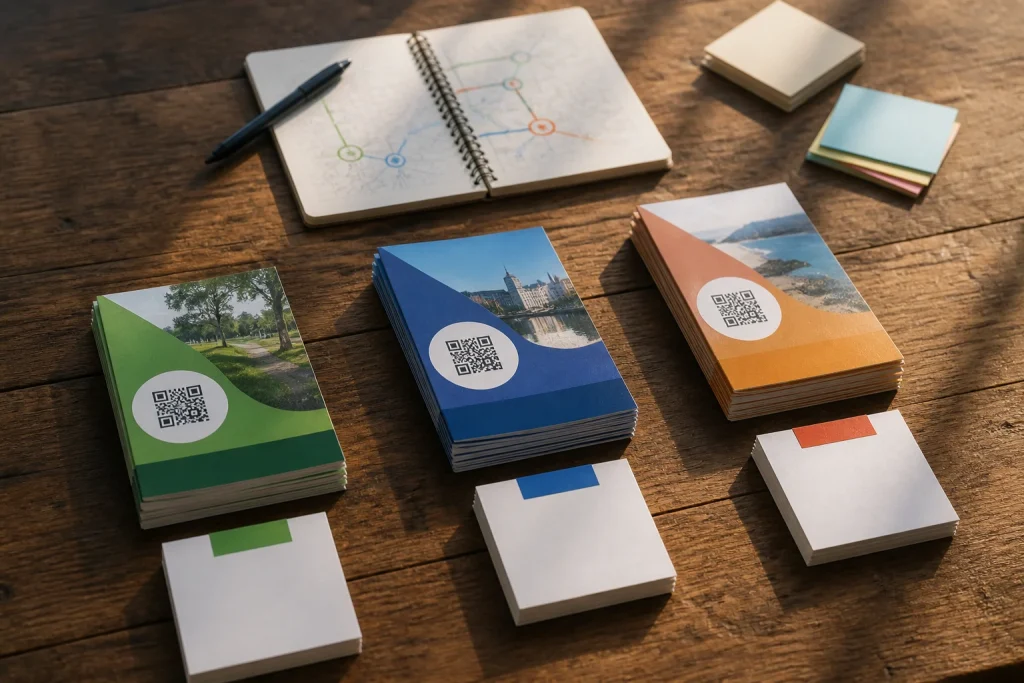
One code across every batch can provide a total, but it offers limited insight into where interest originated. Separate QR codes can help compare distribution routes, creative versions or intended audiences without asking people to remember where they picked up the flyer.
For example, a hypothetical fitness studio could use one code on flyers left at a partner café, another on door-drop copies and a third on flyers handed out at a local event. Each code could point to the same campaign page while carrying a distinct tracking label. The studio could then compare scans and subsequent enquiries by route, rather than treating all printed activity as one undifferentiated result.
Use a sensible naming system from the outset. Include the campaign name, route or location, artwork version and date in internal notes. Avoid labels so vague that nobody can identify one batch from another a few weeks later. If the offer, message or landing page changes materially, create a fresh code and note why.
Make QR-led flyer printing easy to scan
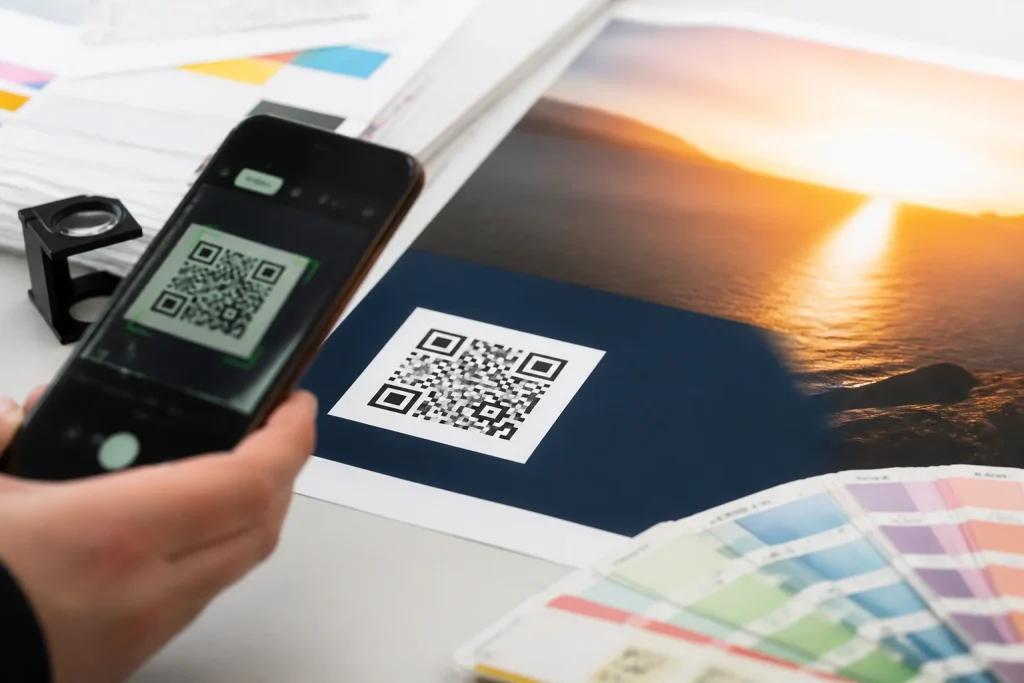
A QR code needs visual breathing room. Do not tuck it into a crowded corner, place it over a busy photograph or surround it with competing calls to action. Leave clear space around the code and keep the background simple. The code should look like a deliberate part of the layout, not an item added at the last minute.
Before approving artwork, scan a proof on an ordinary phone from a realistic viewing distance and in typical lighting. Test more than one device if possible, and check the final destination as well as whether the camera recognises the code.
Size alone is not the whole story. The amount of encoded information, contrast, print reproduction, placement and condition of the finished flyer can all affect how easily a code is read. A short destination or managed short link may create a less dense code than a long, complicated address.
Give people a reason to scan
A code without a clear benefit can look like an extra task. Put a short instruction beside it that says what the reader can receive or do, such as “View the full programme”, “Book your place” or “See available dates”. The wording should be specific and honest.
Retain a non-QR contact option
Not everybody will want to scan a code, and some people may see the flyer when their phone is not to hand. Include a readable website address, phone number, email address or another suitable route alongside the QR code. This gives interested readers a choice and provides a fallback if a recipient is cautious about scanning an unfamiliar code. It also means the printed message can still work when the digital route is not used.
Track the journey after the scan
Set up measurement before distribution begins. Website analytics or a campaign platform may show visits from a tagged QR link, while a form can include a simple optional question about how the person heard about you. Keep the form proportionate. A lengthy questionnaire is unlikely to help someone who only wanted to respond to a flyer.
Review the chain rather than one number in isolation: printed quantity, distribution route, scans, landing-page engagement and the actions that matter to the campaign. A route with fewer scans but more qualified enquiries may be more useful than one producing casual curiosity. Equally, low scans could suggest weak placement, an unclear offer, an overlooked code or a landing page that does not match the print. They do not automatically prove that the flyer design was the problem.
Record contextual changes too. A revised message, a different venue, altered distribution arrangements or poor weather may complicate comparison. QR tracking is helpful evidence, not a neat verdict on every part of a campaign. Where offline responses matter, consider how calls, walk-ins or quoted offer codes will be recorded alongside online activity.
Common mistakes in flyer printing for QR campaigns
The QR code is one component, not the campaign. It cannot rescue an unclear headline, weak value proposition or vague audience, and it cannot explain every reason someone chose not to scan.
- Using one code everywhere: this hides differences between locations, audiences and artwork versions.
- Sending scans to a home page: this can obscure the specific offer that prompted the scan.
- Changing destinations without a record: this weakens later comparison and may confuse recipients.
- Relying on the code alone: this excludes readers who prefer another contact route.
- Skipping a printed proof: this can leave a scanning or destination problem unnoticed until distribution.
Conclusion
Effective flyer printing for QR-led campaign tracking starts with one intended action, a matching landing page and distinct codes for routes worth comparing. Test the artwork, retain a non-QR contact method and assess scans alongside enquiries, bookings or other meaningful responses. If QR does not suit the setting or audience, a clearly printed offer code may provide a simpler way to connect a flyer with a response.