⏱️ Estimated reading time: 6 minutes
- Essential Artwork Preparation Tips for Print
- Local Printing Considerations in the UK
- Common Pitfalls and How to Avoid Them
- Practical Advice for a Smooth Printing Process
- Understanding File Formats: Which One to Choose and Why
- Paper Stock Selection: Making the Right Choice
- Hypothetical Scenario: Preparing a Flyer for a Local Event
- Checklist: Final Steps Before Sending Your Artwork to Print
- Conclusion
Preparing artwork correctly before printing is essential to avoid delays, extra costs, and unsatisfactory results. Ensuring your designs are print-ready helps maintain quality across business cards, flyers, banners, or brochures. These printing tips focus on practical steps that reduce common issues, especially when working with local printers who provide personalised support.
Essential Artwork Preparation Tips for Print
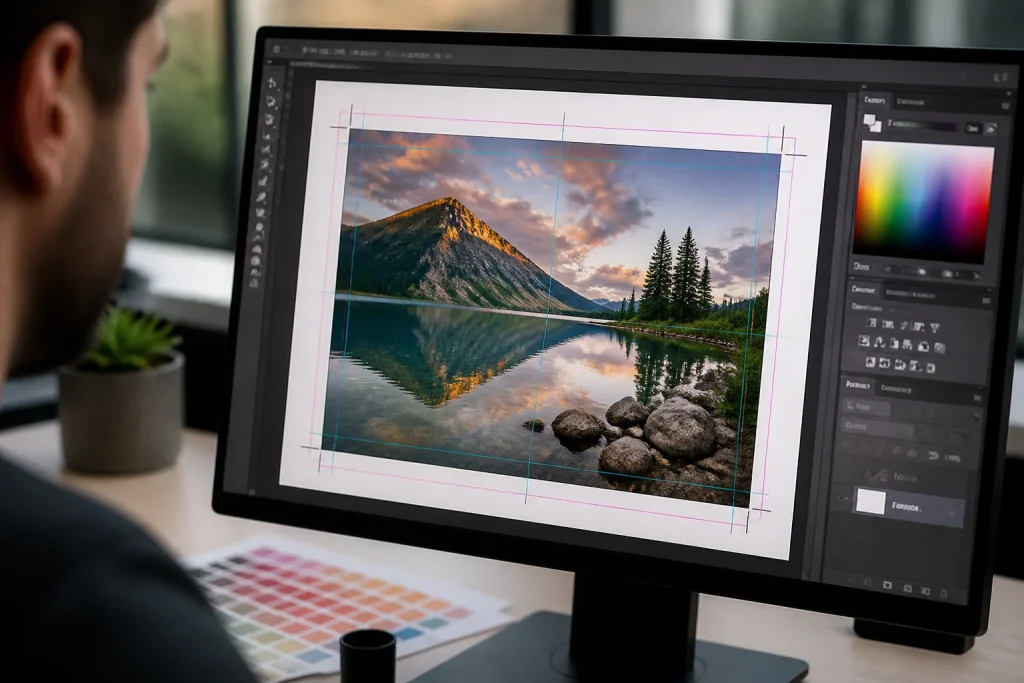
Start with the right document setup, including correct dimensions, bleed, and safe margins as recommended by your printer. Bleed extends backgrounds or images beyond the trim edge to prevent unwanted white borders if cutting varies slightly.
Use CMYK colour mode for print rather than RGB. CMYK better corresponds to printer inks and offers a more accurate preview of colour output. Converting from RGB late in the process can cause colour shifts or muted tones. It’s advisable to confirm your printer’s preferred colour.
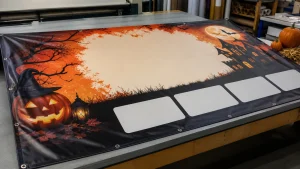
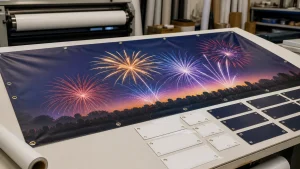
Check image resolution carefully. For litho and digital printing, images should generally be around 300 dpi at the final print size. Low-resolution images may appear pixelated or blurry. Large format printing sometimes allows lower resolutions due to typical viewing distances—verify this with your supplier.
Embed or outline all fonts and graphics to prevent missing fonts causing delays. Converting fonts to outlines or embedding them ensures typography appears as intended. Vector graphics are preferable for logos and illustrations to maintain sharpness at any size.
Save artwork in the correct file format, typically based on PDF/X standards, which reliably preserve colour, fonts, and layout. Avoid sending native files such as Word or PowerPoint unless specifically requested, as these can cause inconsistencies.
Local Printing Considerations in the UK
Working with local printers in Oakham or Rutland offers tailored advice on suitable paper stocks, finishes, and print formats that match your project and budget. Many local printers provide free artwork checks to catch issues before production, helping save time and costs.
Local printers often recommend sustainable paper options that balance quality with environmental considerations. Such choices might affect colour appearance and texture, so discussing them early helps set realistic expectations. Local printing generally allows easier communication and potentially quicker turnaround compared to some online services.
Common Pitfalls and How to Avoid Them
Avoid overcrowding your design with too much text or intricate details that may not reproduce well in smaller formats. Simplify designs and use high-contrast colours to improve readability. Be cautious with very light or neon colours, which may not print vividly in CMYK.
Proofread text thoroughly. Spelling, grammar, or contact errors can be costly to fix after printing. Review artwork multiple times and consider having someone else check before submission.
Test the size and scannability of QR codes or barcodes on printed proofs. Codes that are too small or printed on unsuitable materials might fail to scan, reducing marketing effectiveness.
Confirm final file specifications with your printer before submitting. Requirements for bleed, resolution, file format, or colour profiles can vary between litho, digital, or wide format printing.
Practical Advice for a Smooth Printing Process
Begin artwork preparation early to allow time for revisions and feedback. Rushing can lead to overlooked errors or improper file setups.
Use printer-provided templates when available. These include guidelines for size, bleed, and margins, helping reduce mistakes.
Keep source and final print files organised and clearly named to avoid confusion for future updates or reorders.
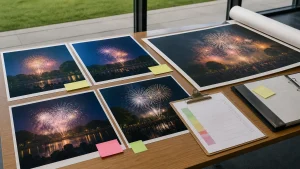
Request printed proofs or samples whenever possible, especially for larger or more expensive print runs. Physical proofs reveal colour, paper, or finishing issues that may not be visible on screen.
Maintain open communication with your printer’s design or artwork team. They can offer advice on optimising designs and finishing options like lamination or spot UV to enhance durability and appearance.
Understanding File Formats: Which One to Choose and Why
Choosing the right file format is important. PDF/X standards such as PDF/X-1a or PDF/X-3 are commonly preferred because they embed fonts and colour profiles.
JPEG or PNG formats, often used for digital purposes, can cause quality loss due to compression and are generally unsuitable for final print files unless specifically requested. Always check your printer’s preferred formats and standards before submission.
Paper Stock Selection: Making the Right Choice
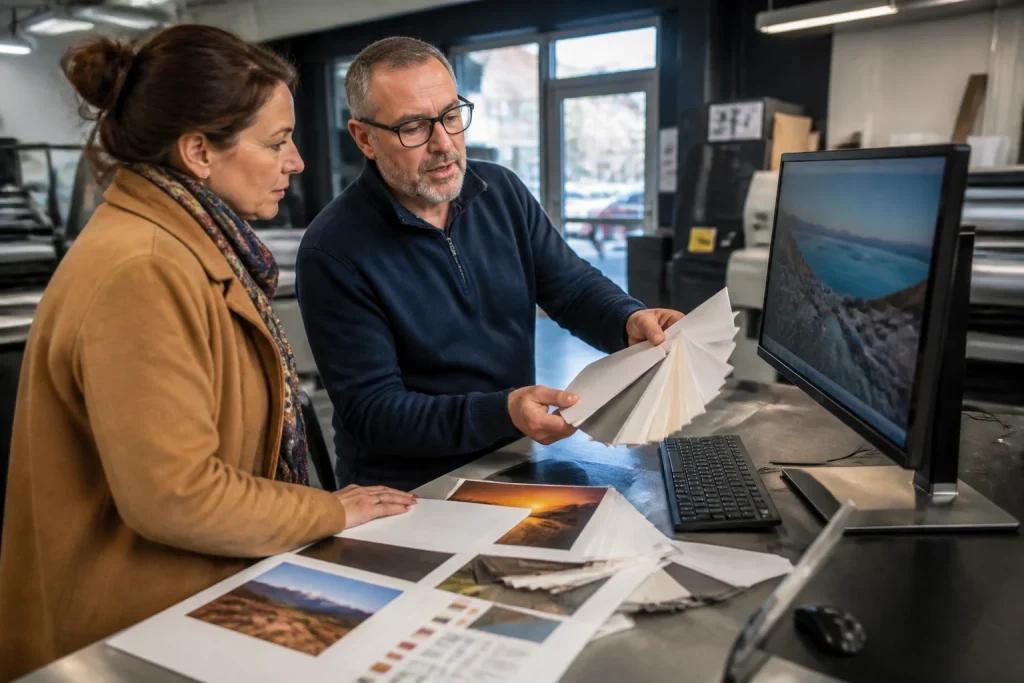
Paper stock influences the look and feel of printed materials. Thicker stocks can convey quality and durability but may increase costs and affect folding in brochures or leaflets. Coated papers provide glossy or satin finishes that enhance image vibrancy, while uncoated papers offer a more natural, tactile feel.
Many local UK printers supply paper stocks made from recycled fibres or sourced from responsibly managed forests. These options may slightly alter colour and texture, so discussing choices with your printer helps avoid surprises.
Hypothetical Scenario: Preparing a Flyer for a Local Event
Imagine you need flyers for a community event in Rutland. You start with an A5 document, adding a 3mm bleed. You design in CMYK colours and embed all fonts to prevent missing type issues. You save the artwork as a PDF/X-1a file and send it to your local printer.
The printer’s free artwork check highlights that the QR code is smaller than recommended for reliable scanning, suggesting an increase in size. They also note the recycled paper stock’s texture may soften fine text edges, so you opt for a bolder font to improve legibility.
After adjusting the artwork, you approve a printed proof and proceed with the order. The final flyers arrive as expected, with your design intact and effective for the event audience.
Checklist: Final Steps Before Sending Your Artwork to Print
- Confirm document size, bleed, and safe margins match your printer’s specifications.
- Verify artwork is in CMYK colour mode with the correct profile.
- Ensure image resolution is appropriate, typically around 300 dpi for standard print sizes.
- Embed or convert all fonts to outlines.
- Use vector graphics for logos and illustrations where possible.
- Save files in PDF/X format or as requested by your printer.
- Proofread all text and double-check contact details.
- Test QR codes and barcodes for size and scannability.
- Discuss paper stock options, considering sustainability and finish.
- Request printed proofs to verify colour and quality before full production.
Conclusion
Preparing artwork for print requires attention to detail, correct file setup, and understanding your printer’s requirements. Following these practical printing tips can help avoid.
When your artwork is print-ready, you gain high-quality, customised printed materials that represent your brand effectively. If you are uncertain about any step, contacting your local printing partner for tailored support and guidance is advisable.