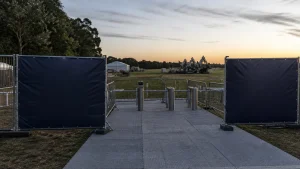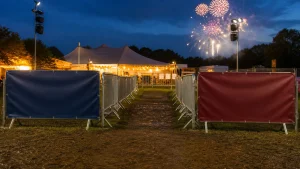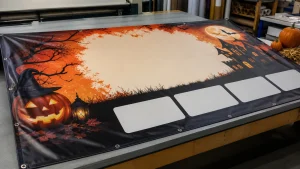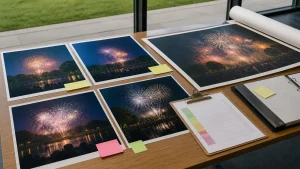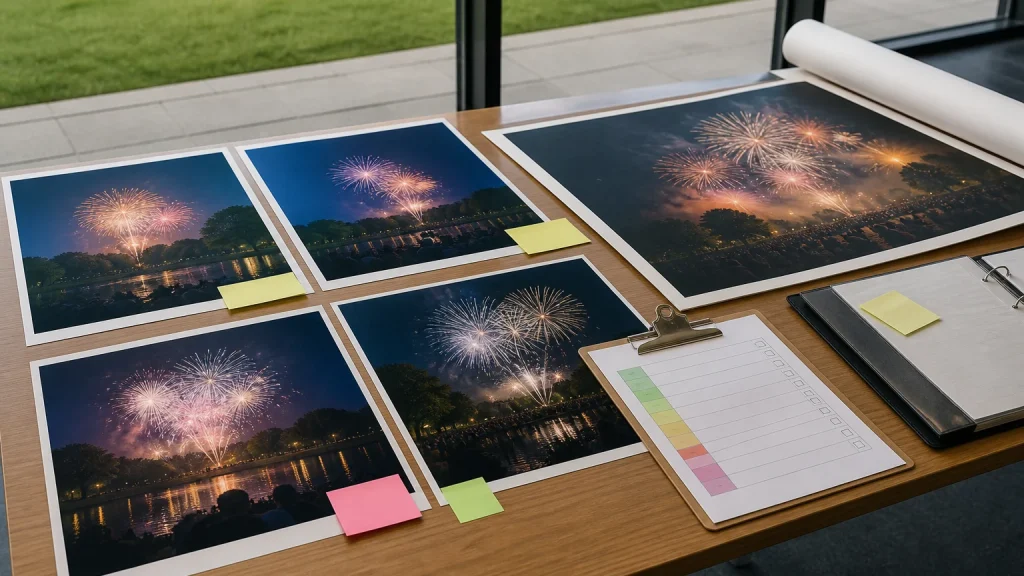
Fireworks display printing can prevent version errors when organisers treat every printed item as part of one controlled approval process. The practical answer is to create a single approved information record, separate details unlikely to change from those that might, and release artwork only after one named person has checked the final version. That sounds ordinary, but it is far easier than discovering that a poster, entrance sign and event display show different information.
⏱️ Estimated reading time: 5 minutes
Table of Contents
- Why Fireworks display printing needs one approved record
- Create an information hierarchy before designing displays
- Separate fixed and changeable details in Fireworks display printing
- Use a proofing workflow for Fireworks display printing
- Common mistake: treating a proof as a quick visual check
- Conclusion
Fireworks events often bring several display formats together: posters before the event, directional signs at the venue, sponsor graphics, menus, notices and large-format displays. Each item may be designed at a different time, by different people, using information from emails, chat messages or older files. Without a clear system, an outdated gate name or timetable can quietly find its way into print.
Why Fireworks display printing needs one approved record

A shared event record is the reference document that everyone uses before artwork is created or amended. It need not be elaborate. A simple document or spreadsheet can work, provided it has a clear owner and only one current version.
List the details that may appear on printed materials: event name, date, venue, opening and display times, ticket instructions, entry points, parking information, accessibility details, contact routes, sponsor names and approved visitor guidance. Beside each detail, record its status: confirmed, awaiting confirmation or not for print.
This is not just administrative tidiness. It stops a designer having to interpret competing messages and gives the person approving artwork something definite to compare against. If the venue changes an entrance or a sponsor supplies a revised logo, update the record first. The artwork follows the record, rather than becoming the place where decisions are made.
Create an information hierarchy before designing displays
Not every detail deserves equal space. A large entrance display might need only the event name, a clear welcome and the correct entry instruction. A timetable board may need more detail. A catering menu has a different job. Giving every display a defined purpose keeps artwork clearer and makes changes easier to control.
Start by assigning each item one primary question to answer:
- Where should visitors go?
- What should they do next?
- When does something happen?
- What information must they keep in mind?
Then identify the source of each answer in the approved record. A directional sign should not gain a paragraph about the event programme simply because there is empty space. Equally, a general welcome banner is a poor place for a detailed, changeable timetable. A disciplined hierarchy reduces the number of items affected when information moves late in the process.
For example, a hypothetical organiser may have confirmed the event date and venue but still be waiting for the final parking arrangement. The date and venue can sit on promotional displays, while parking information remains on a separate item held until confirmed. This is more sensible than printing an assumption merely to complete the layout.
Separate fixed and changeable details in Fireworks display printing
Before commissioning Fireworks display printing, mark every piece of copy as fixed or changeable. Fixed details are those you do not expect to revise, such as an established event name or approved organiser branding. Changeable details may include opening times, gate arrangements, programme timings, ticket instructions and temporary facilities.
The distinction helps with design and ordering. Fixed information can occupy prominent space on reusable or early-produced materials. Changeable information is often better contained in a defined panel, a separate sign or a smaller supporting print item. That does not remove careful proofing, but one update may not force a full redesign of every display.
There is a trade-off. Keeping too much space blank can make an event display look unfinished; putting every possible detail into the main design can make it crowded and expensive to revise. Aim for a middle ground: communicate what visitors need to know now, while keeping uncertain information away from items approved early.
Use a proofing workflow for Fireworks display printing

Version control works best when it is visible. Give each artwork file a consistent name that includes the item, location or purpose, version number and status. For instance, use a format such as “entrance-display-v03-for-approval”, rather than “final-final-new”. The latter is familiar, but it tells nobody which file is authoritative.
A straightforward approval workflow can look like this:
- Update the central information record.
- Confirm which printed items are affected.
- Amend artwork from the current approved file, not a downloaded copy.
- Check the revised proof against the record and its intended location.
- Collect approval from the person responsible for final event information.
- Mark the approved file clearly and release only that version for print.
Keep approval comments in one place where possible. A mix of marked-up PDFs, phone calls and separate messages can make it difficult to establish whether a correction has been made. If a comment changes the meaning, timing or visitor instruction, reflect it in the master record before artwork is signed off.
Common mistake: treating a proof as a quick visual check
A proof is not only there to see whether the design looks good. It is the point at which the event team should check wording, numbers, dates, contact details, logos, placement notes and the relationship between message and display purpose. A visually tidy layout can still carry an old version of an important detail. Give the proof two readers different jobs: one checks it line by line against the approved record; the other views it as a visitor would, asking whether the instruction is clear.
Also check that the supplied file is the intended final size and format for its display product. A small counter sign and a wide-format board are not read in the same way. Use a list.
Conclusion
Fireworks display printing is easier to manage when changes are controlled before production. Build one approved information record, give each display a focused role, separate fixed copy from uncertain details and make final approval traceable before files are released by one organiser for print.