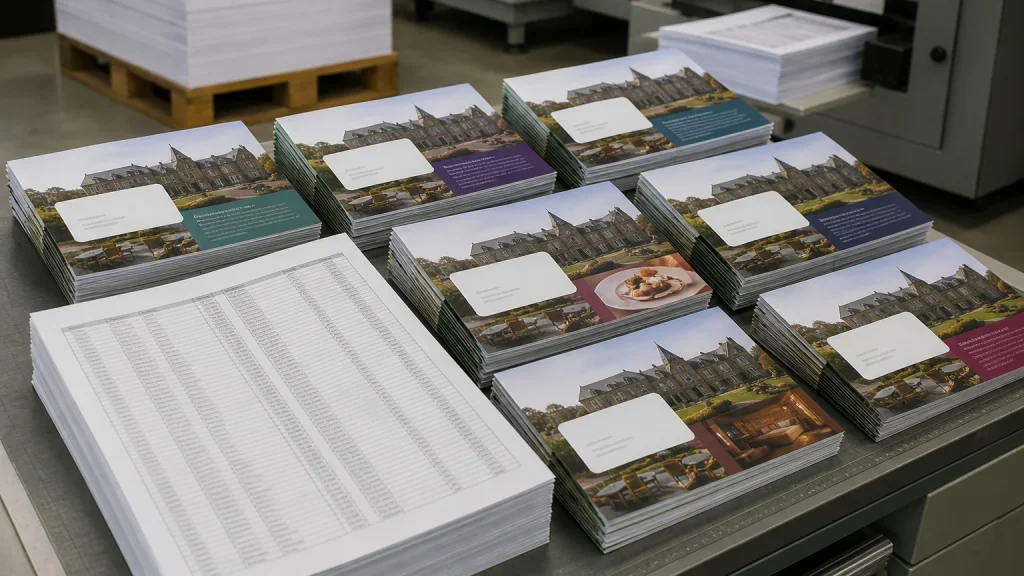
Digital printing makes personalised mailings easier when each recipient needs details to change while the main design remains the same. Names, branch details, appointment information, offer codes or product messages can be drawn from a prepared data file, allowing one controlled layout to produce versions without building separate artwork for every recipient.
⏱️ Estimated reading time: 6 minutes
Table of Contents
- How digital printing manages variable details
- Plan the mailing message before adding personalisation
- Where digital printing suits personalised versions
- Prepare data and artwork for digital printing
- Proofing checks for digital printing mailings
- When a standard printed mailing may be clearer
- Conclusion
Personalisation is not the best option. It needs accurate data, a worthwhile reason for changing the message and proofing before print approval. A simple, relevant variation is usually more useful than trying to tailor every line.
How digital printing manages variable details
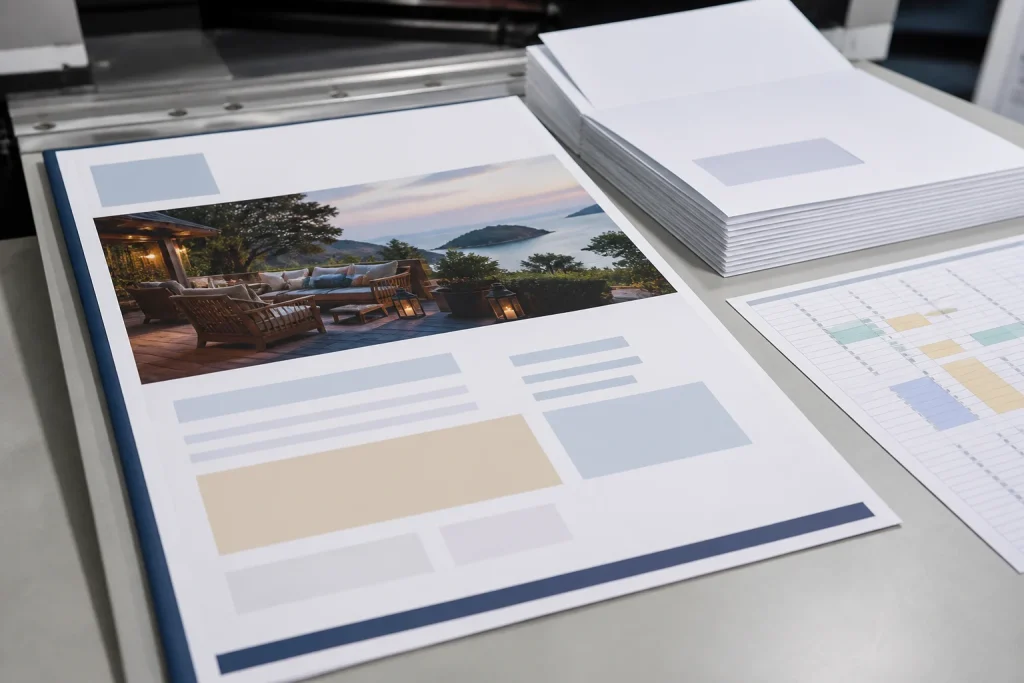
Variable-data printing is the process behind a personalised mailing. A master design holds the fixed elements: logo, colours, headline, core message, contact details and response route. Named fields in the artwork are then populated from a data source during production.
For example, a hospitality venue might use one folded leaflet design while changing the recipient’s name, nearest venue and offer code. An estate agency might keep the same property-update format but tailor the agent contact details or local area message for different recipients.
The practical advantage is control. Each printed piece can contain an approved variation without someone manually editing hundreds of layouts. Before production, however, decide exactly which fields will change, who owns the data and who has authority to sign off the records.
Plan the mailing message before adding personalisation
Start with one clear job for the mailing. You may want a recipient to book an appointment, attend an event, use an offer or understand a service change. The message should make sense if the personalised detail is missed. A first name cannot repair an unclear offer, a layout or an uncertain next step.
Next, ask whether the data supports a meaningful variation. Names may suit a customer communication. Versions by postcode, business sector or local branch may be more appropriate for a campaign. If the only change is an internal reference number that the recipient will not use, personalisation may add complexity without improving the mailing.
| Mailing purpose | Potential variable detail | Details to keep consistent |
|---|---|---|
| Local promotion | Nearest branch, area message or offer code | Branding, campaign message and response route |
| Event invitation | Recipient name, session or booking reference | Date, venue details and event identity |
| Customer update | Relevant service, account contact or renewal detail | Core explanation, support information and layout |
Where digital printing suits personalised versions
Digital printing can suit mailings containing names, offers or contact details because the variable content can be managed within the print workflow. That does not rule out litho printing for mailings. A large run with stable, identical content may need a discussion about method, quantity, format, budget and whether any variable element is printed elsewhere.
Consider the requirement rather than the quantity alone. If one thousand leaflets have identical content and only the address changes, the insert and addressing element may need consideration. If every leaflet has a different offer, renewal date or named contact, a variable-data approach may be more suitable. Explain what changes between versions when requesting a quote.
Prepare data and artwork for digital printing
A personalised mailing depends on two files: the artwork and the data. Artwork should show the position, type size and space for every variable field. The data file needs column headings and consistent formatting, so there is no uncertainty about which information belongs in each location.
Keep names, addresses, dates, prices, codes and contact details in separate columns rather than combining them in one long note. Agree a unique reference for each recipient, where several versions are involved. This makes record-by-record checks manageable and helps prevent one recipient’s details appearing in another recipient’s mailing.
For a hypothetical membership campaign, the spreadsheet might contain a member name, membership level, renewal date, preferred venue and renewal code. The layout needs room for the longest likely venue name, while the date format must remain readable. A sample record can look fine, yet an outlier may cause wrapping or an incomplete line.
Proofing checks for digital printing mailings
Do not treat the data file as an afterthought. Spelling errors, duplicate records, old offer codes and inconsistent dates can all reach print if they are present in the source information. Check the data before it is merged, then review it again alongside printed or digital proof samples.
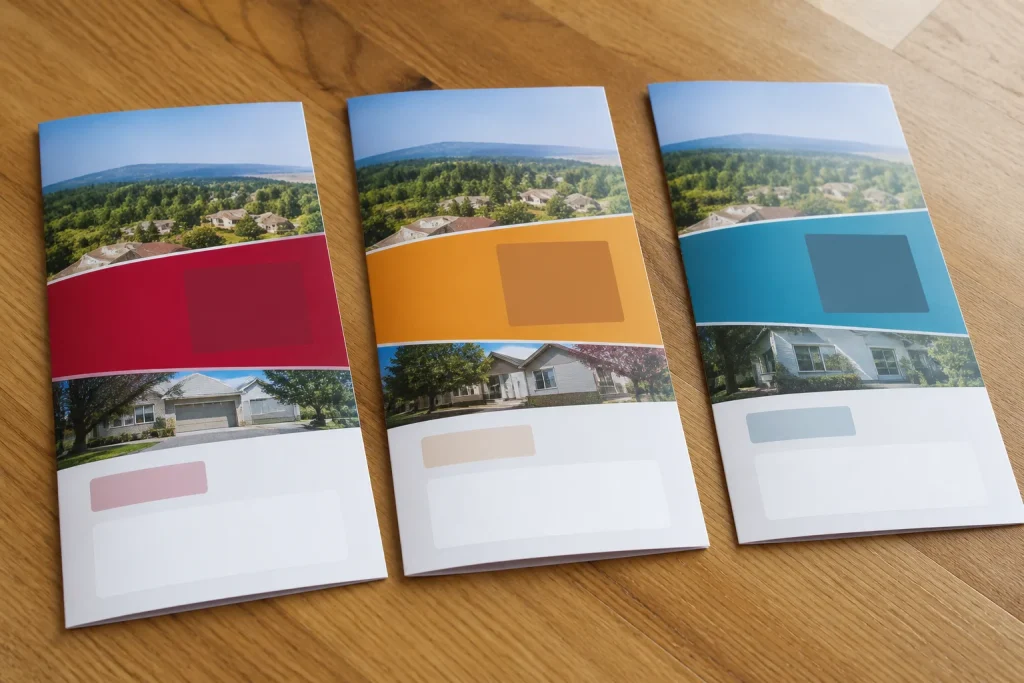
Ask to see merged examples that include long names, blank optional fields and every campaign version. Check that the name matches the correct offer, line breaks remain sensible and no placeholder text survives. If an offer has conditions or an expiry date, make sure the wording is identical wherever that version appears.
Personal details should be used where they are proportionate and relevant to the relationship with the recipient. Your organisation should follow its data-protection procedures when preparing the list. Also confirm how envelopes, addressing, mailing and any fulfilment steps will be handled, as these arrangements vary by supplier and project.
When a standard printed mailing may be clearer
Personalisation may not be worthwhile when the audience data is unreliable, the message is identical for everyone or the number of versions makes the campaign difficult to explain. One strong standard leaflet, brochure or postcard can be clearer, easier to approve and more straightforward to manage.
Pause the project if there is no approved data owner. Someone needs to confirm the final recipient list, offer details and variable wording before production. Without that control, late amendments can create mismatched versions, missed records and unnecessary reprints. Newstyle Print can advise on digital, litho and bespoke print requirements when the brief sets out the intended format and variations.
Conclusion
Digital printing makes personalised mailings easier when the changing information has a clear purpose and the fixed design stays consistent. Define the audience, select meaningful variables, prepare clean data and approve merged proofs rather than relying on a blank template. For a bespoke mailing, provide the format, quantity, variable fields, data structure and delivery requirements so the printer can recommend a suitable approach. Keep the campaign focused; a limited set of well-checked variations is usually easier to manage than an overly complicated mailing.