⏱️ Estimated reading time: 6 minutes
For more detail, see our Printing in Oakham: Your Local Print Partner for Businesses in Rutland | Newstyle Print page.
Further reading: Google Search Central guidance
Introduction
Business cards still pack a punch when it comes to first impressions. For those in Oakham and Rutland, picking a printing partner who gets local needs can make a difference. Newstyle Print offers tailored solutions blending quality, flexibility, and local know-how.
You may also find Why Rutland Businesses Trust Local Printers in Oakham useful if you are comparing options.
This guide covers the essentials—from materials to common pitfalls—to help you get business cards right in Oakham.
While digital connections are dominant nowadays, the tactile nature of a well-crafted business card continues to hold weight. It’s not just a piece of paper; it’s a small ambassador for your brand, conveying professionalism and attention to detail. In places like Oakham, where local networks play a big role in business growth, having a physical token of introduction can sometimes open doors that an email never will.
Choosing the right print partner, especially one familiar with the Oakham community’s unique vibe, is crucial. Newstyle Print seems to understand that local character and business culture influence design preferences and expectations. They offer a range of options that cater to both traditional and modern tastes, ensuring your cards feel authentic rather than generic.
Step-by-step: Getting Your Business Cards Printed in Oakham
1. Define Your Purpose and Audience
Think about what you want your card to do. Networking at Rutland meetups? Running a targeted campaign? Your audience shapes design and content. Local small business owners might prefer straightforward info, while younger, creative crowds might respond better to bold colors and unique layouts.
For example, if you’re a local artisan selling handcrafted goods at markets around Oakham, your card might benefit from rustic textures and earthy tones that echo your products. On the other hand, a tech startup founder might want sleek minimalism and clean lines to communicate innovation and efficiency.
2. Choose the Right Card Type and Finish
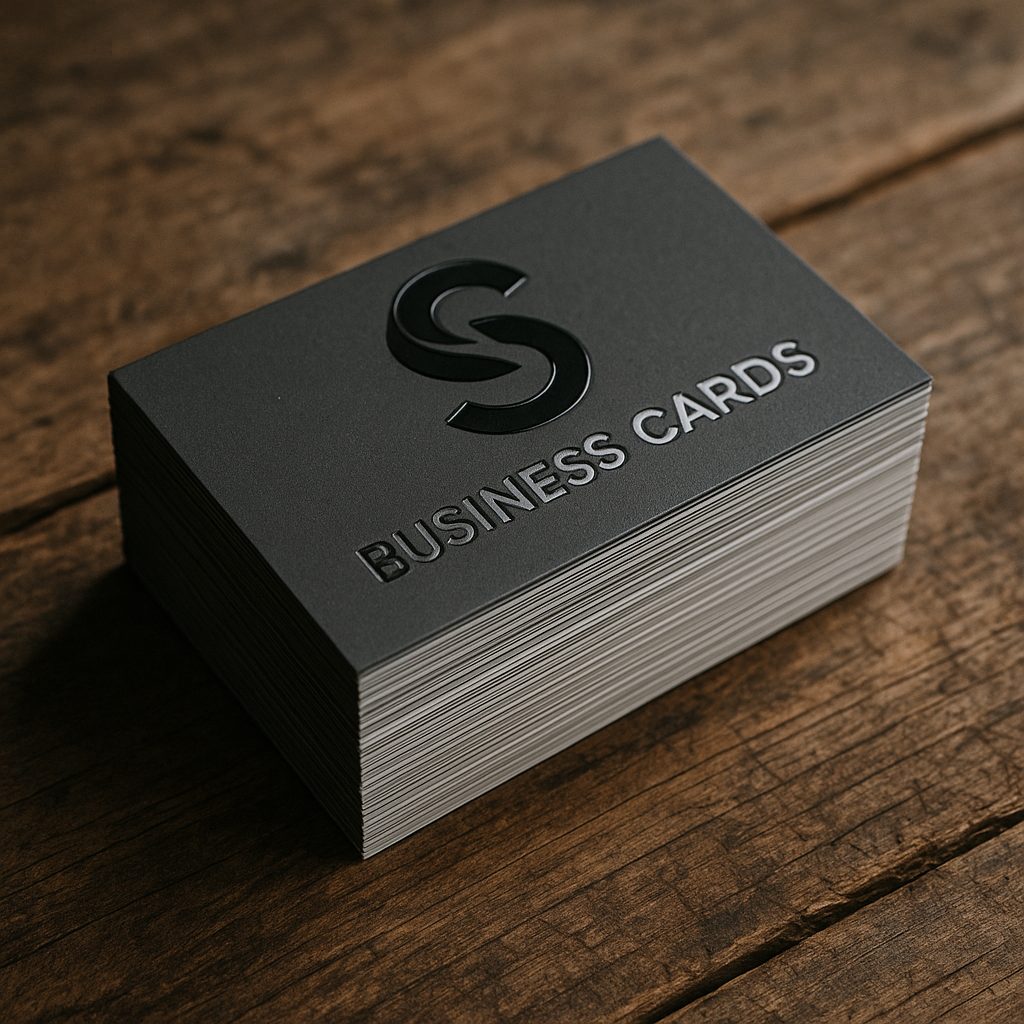
Newstyle Print offers premium options like thicker stock or finishes such as matt lamination or spot UV gloss, as well as standard, budget-friendly cards. The feel of a card can say as much as its look—matte suggests subtlety, gloss brings energy but may not suit all settings.
Eco-friendly choices like recycled stock or vegetable inks can set your brand apart, appealing to clients who value sustainability.
Consider also the card’s durability; if you expect your cards to be passed around frequently at events like Oakham’s farmers’ markets or business fairs, sturdier stocks might be worth the investment. Laminated finishes can resist smudges and moisture, which is especially helpful if you’re handing out cards outdoors or in less-than-ideal weather.
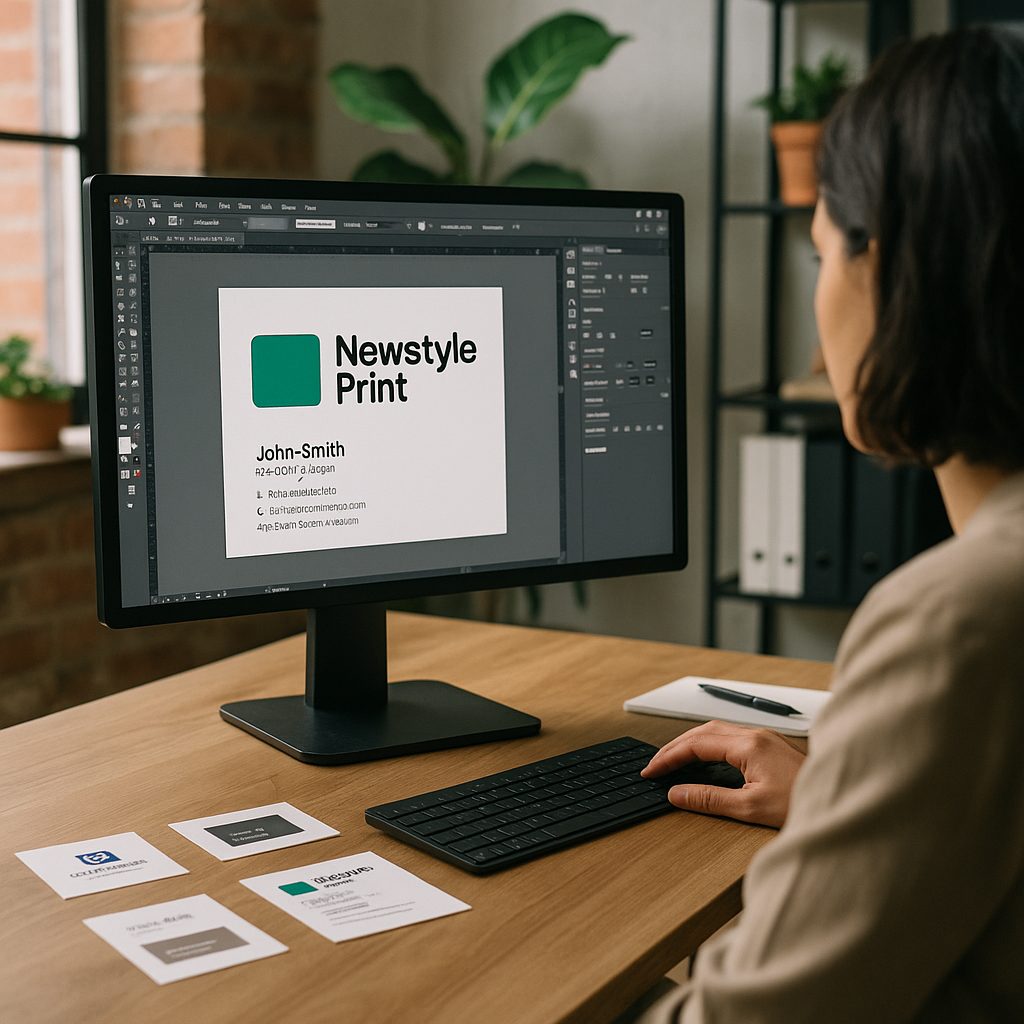
3. Design with Care
Keep it clean and clear. Overloading cards with info often backfires, creating clutter. Use legible fonts and high-res logos. Remember, a card isn’t a brochure; it’s a quick snapshot inviting follow-up. Stick to your brand’s style, avoid too many fonts or colors, and consider shape and orientation—square or rounded corners can hint at creativity.
It’s tempting to cram in multiple social media handles, slogans, or even testimonials, but restraint often pays off. A neat, well-organised card is easier to read and more likely to be kept. Think about the journey your card takes: someone receives it briefly, glances at it, and then decides whether to keep it or toss it. A confusing design can mean immediate discard.
Also, don’t overlook the power of white space. Sometimes the empty areas on a card give your content room to breathe and add a sense of sophistication. Even subtle textures or embossed elements can create a tactile experience that lingers in the mind.
4. Consider Practical Details
Include essentials: name, title, phone, email, website. Social media is optional—don’t crowd the card. Pay attention to bleed and safe zones to prevent trimming mishaps.
Local businesses might want to add a physical address to encourage visits; those mostly remote could highlight websites and LinkedIn profiles instead. Keep font sizes readable—what looks fine on screen might strain eyes in print, especially for older clients.
Another detail worth pondering is the inclusion of QR codes, which can bridge the gap between print and digital. When scanned, they can link to portfolios, booking systems, or special offers. However, their placement should be discreet and not overpower the card’s design.
5. Select Printing Options
Litho printing suits large runs with consistent color; digital is better for smaller batches or quick turnarounds and allows personalization like individual names or QR codes without extra setup.
Special finishes like foil stamping or embossing add flair but might increase costs and lead times—plan accordingly.
If you’re uncertain about the quantity, consider starting with a smaller digital print run to test how your cards perform in real-world settings. You can always reorder or tweak designs based on feedback. Newstyle Print’s flexibility here is likely a boon for businesses experimenting with branding.
6. Proof and Approve
Always request a proof to catch typos, color issues, or layout problems. Physical proofs under various lighting reveal discrepancies screens can’t show. Getting feedback from colleagues or clients can uncover overlooked flaws.
It’s easy to become blind to your own design after looking at it for hours, so fresh eyes are invaluable. Sometimes a minor typo or misaligned logo can slip through and create an unintended impression of carelessness. Taking the time to scrutinize proofs can save embarrassment and reprint costs down the line.
7. Receive Your Cards
Newstyle Print offers free UK delivery, including Oakham and Rutland, aiming for speed without sacrificing quality. Ordering extra cards as backup is wise—running out before key meetings is frustrating.
Also consider storage conditions; business cards kept in wallets, bags, or desks can get worn. Having spares on hand means you’re always ready for that unexpected networking opportunity, whether at a coffee shop in Oakham or a last-minute trade event.
Common Mistakes to Avoid
- Overcrowded design: Too much info leads to clutter and confusion.
- Low-quality images/logos: Pixelation undermines professionalism.
- Ignoring bleed areas: Results in ugly white edges post-cutting.
- Unsuitable finishes: Glossy cards can reflect light and hinder readability.
- Not checking proofs thoroughly: Small errors become glaring in print.
Also, keep an eye on changing contact details like social media handles or phone numbers—review cards regularly to avoid outdated info that could confuse clients.
One other pitfall is neglecting to consider the card’s cultural or local context. For example, certain colours or symbols might resonate differently in Rutland’s community. Sensitivity to these nuances can prevent unintended messages and ensure your card feels approachable.
Quick Checklist for Business Card Printing in Oakham
- Identify your audience and card goal.
- Pick premium or standard stock and finishes.
- Use clean, high-res artwork sized correctly.
- Include only key contact info.
- Choose litho or digital based on volume and time.
- Request and review proofs carefully.
- Schedule delivery to fit your plans.